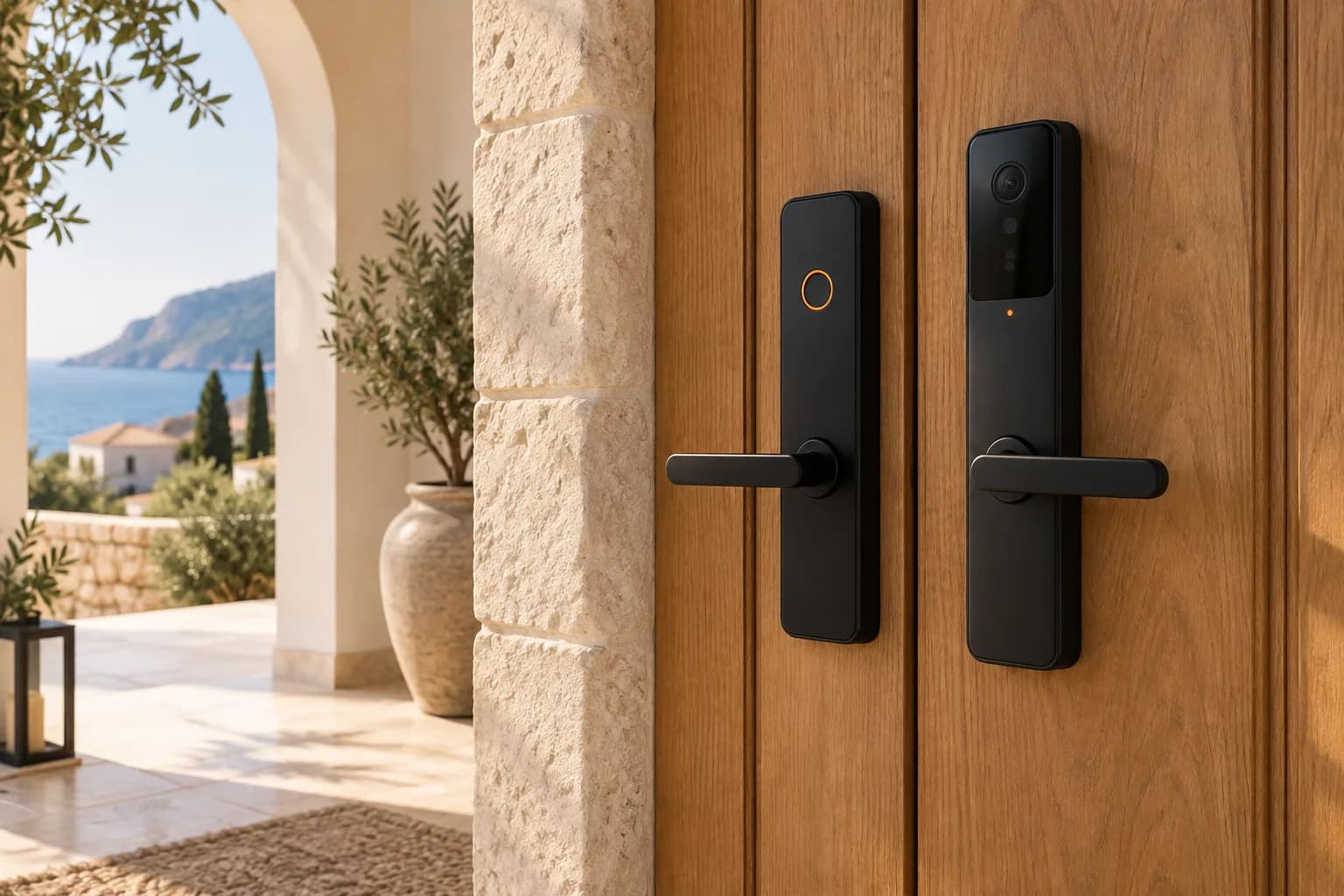
How to choose an outdoor camera that survives the Cyprus climate
Summer heat close to 45 degrees, salty humidity on the coast, dust in spring. The IP rating on the box is not enough. What to check when choosing a camera and where to mount it.
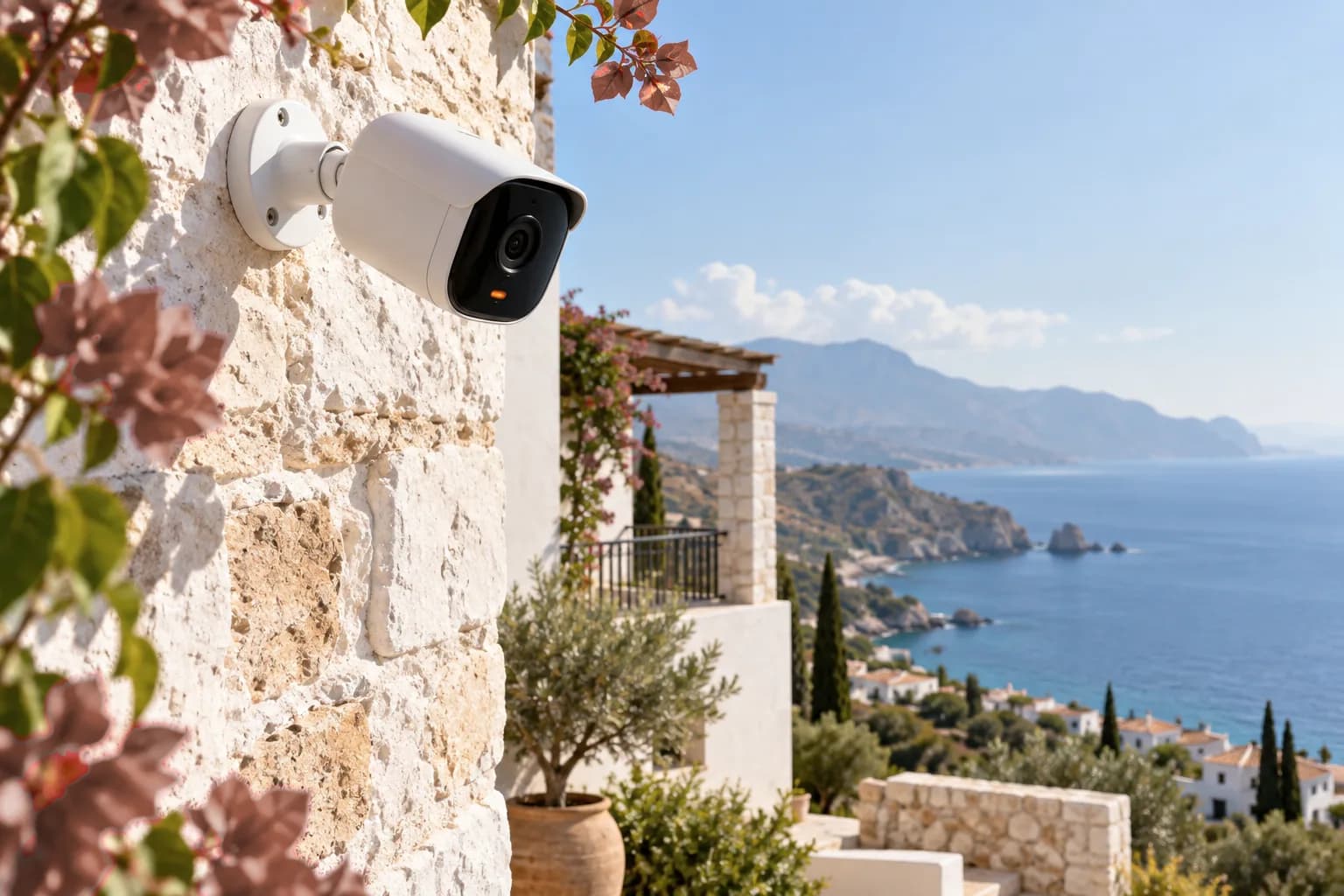
On paper every outdoor camera looks the same: 2K resolution, night vision, IP66. In Cyprus, though, a camera's lifespan is decided less by those numbers and more by climate and installation. With most cameras that come back to us, the problem was not the device but the spot it was mounted.
Heat: read the spec sheet correctly
In Nicosia, July and August temperatures regularly pass 40 degrees. On a sunny wall the camera housing gets far hotter than the air. The operating range in a spec sheet, for example minus 20 to 50 degrees, is ambient temperature, not the surface of a housing in direct sun.
So:
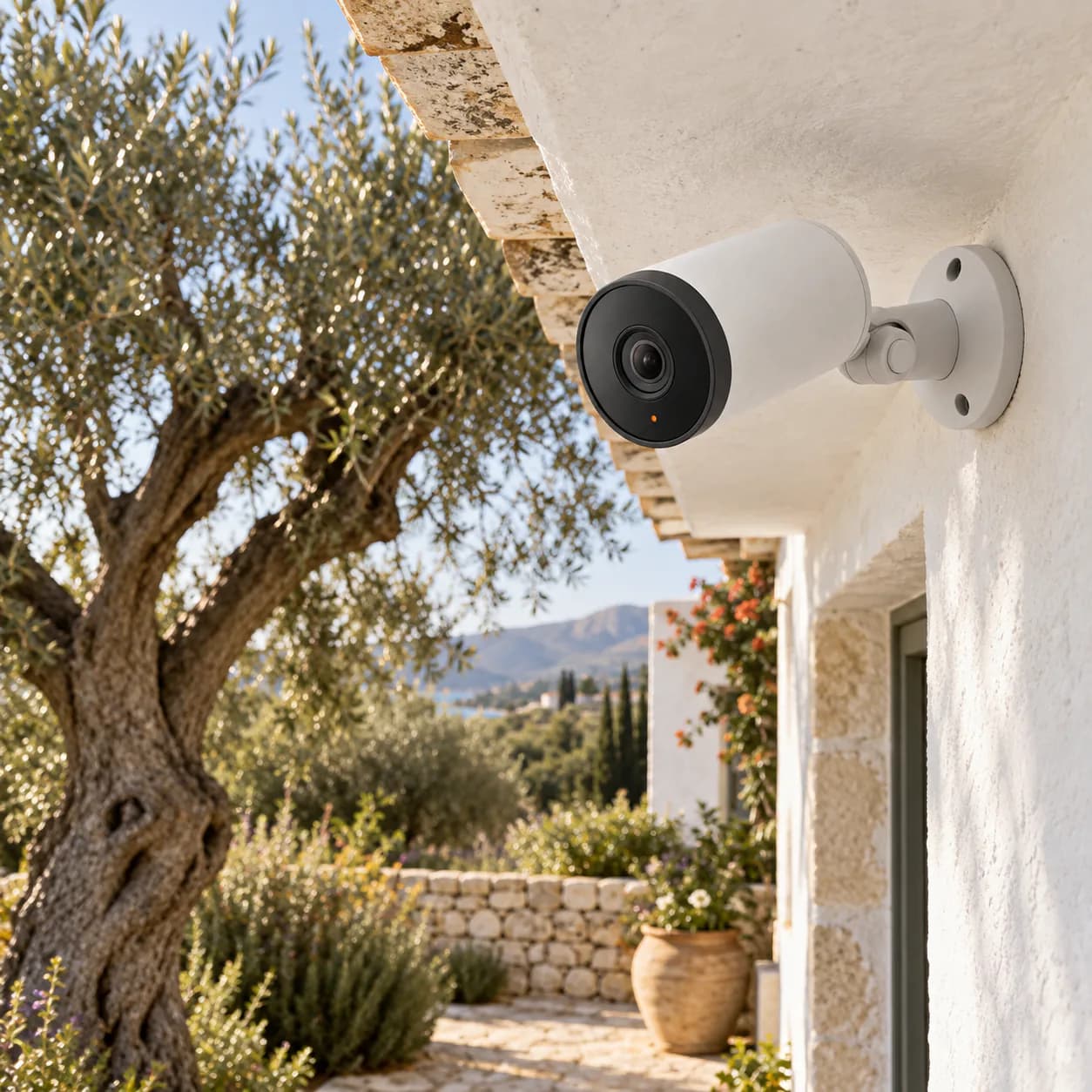
- Mount the camera under an overhang, or on a north or east facing wall where possible.
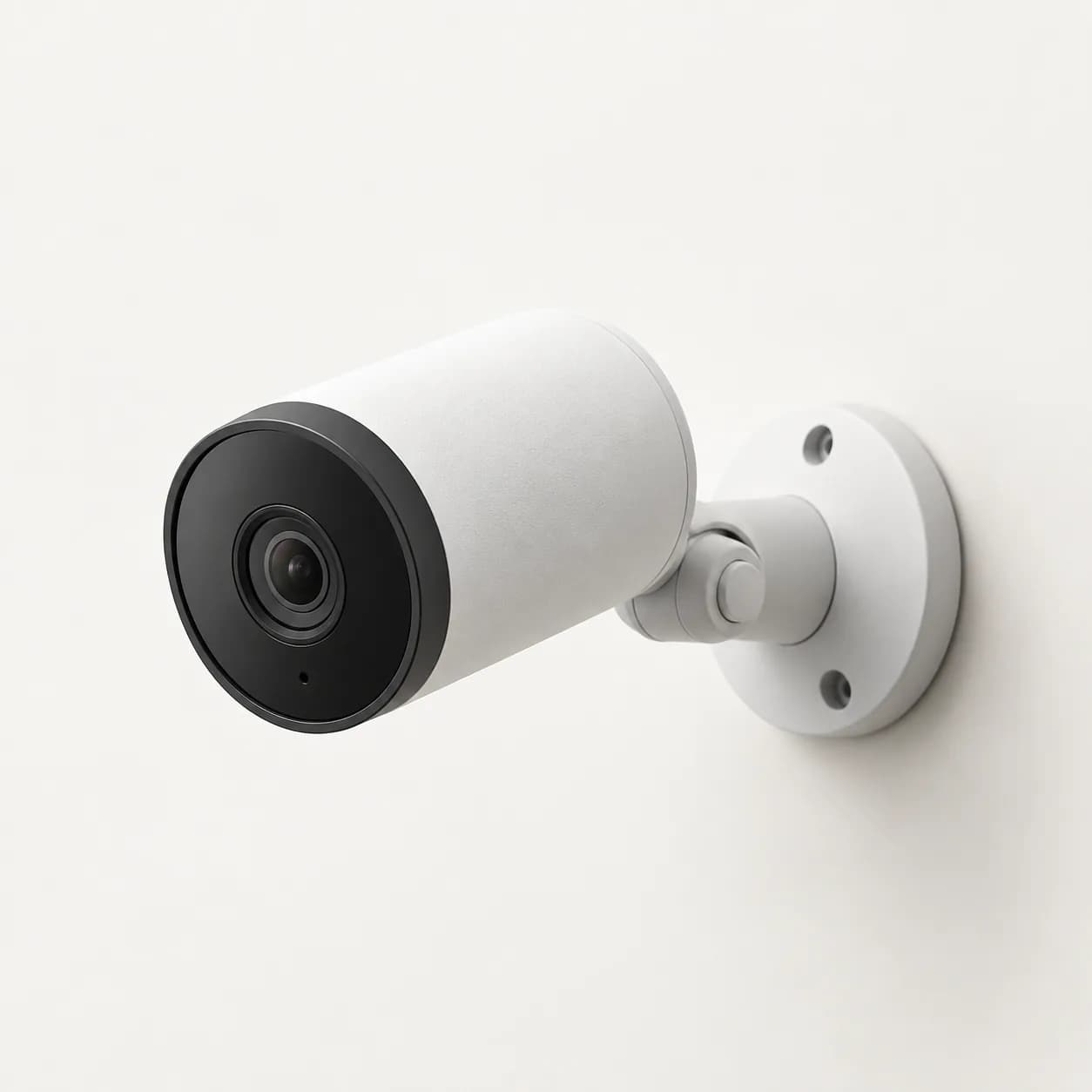
- Choose a white or light housing. Black housings heat up noticeably more in the sun.
- An overheating camera freezes and restarts. If you see this in midsummer, consider moving it.
Humidity and salt air
Along the coast at Kyrenia, Famagusta and Iskele, sea air carries salt all year round. Salt corrodes screws and cable connections. Use stainless steel screws, leave a drip loop at the cable entry, and put outdoor connections in a protective box. These small steps are the difference between an installation that fails in two years and one that runs for five.
What IP ratings mean
- IP65: fully dust tight and protected against water spray from any direction. Enough for a doorbell under a porch.
- IP66: protected against powerful water jets. Look for this on walls exposed to rain and wind.
- IP67: protected against short immersion. Not needed except in special spots such as next to a pool.
In Cyprus, dust matters more than rain. The fine dust that arrives in spring builds a film on the lens. Wiping it with a damp cloth once a month keeps image quality noticeably better.
Thick stone walls and Wi-Fi
The thick stone walls of older Cypriot houses weaken Wi-Fi a lot. Before mounting, run a speed test on your phone at that exact spot. If the signal is weak, add an access point near the outside wall or a mesh system. A wired connection is always the most reliable option.
Night vision and reflections
If infrared night vision reflects off an overhang or a nearby white wall, the image turns into white fog. Mount the camera just below the overhang, angled so the lens does not see it. Models with colour night vision and a built in spotlight give far more detail in gardens and car parks.
Recording and memory cards
Local recording keeps your footage when the internet goes down. Heat, however, wears out ordinary memory cards quickly. Use a high endurance card designed for continuous recording and check it once a year.
Neighbours and privacy
Point your camera at your own property. Angles that cover a neighbour's window or the whole street lead to privacy complaints and endless motion alerts. Most apps let you block part of the image with a privacy mask.
Quick checklist
- Is the mounting spot shaded?
- Is the housing light coloured and IP66?
- Are the screws stainless and the cable entry protected?
- Is the Wi-Fi signal strong enough at that spot?
- Is the memory card made for continuous recording?
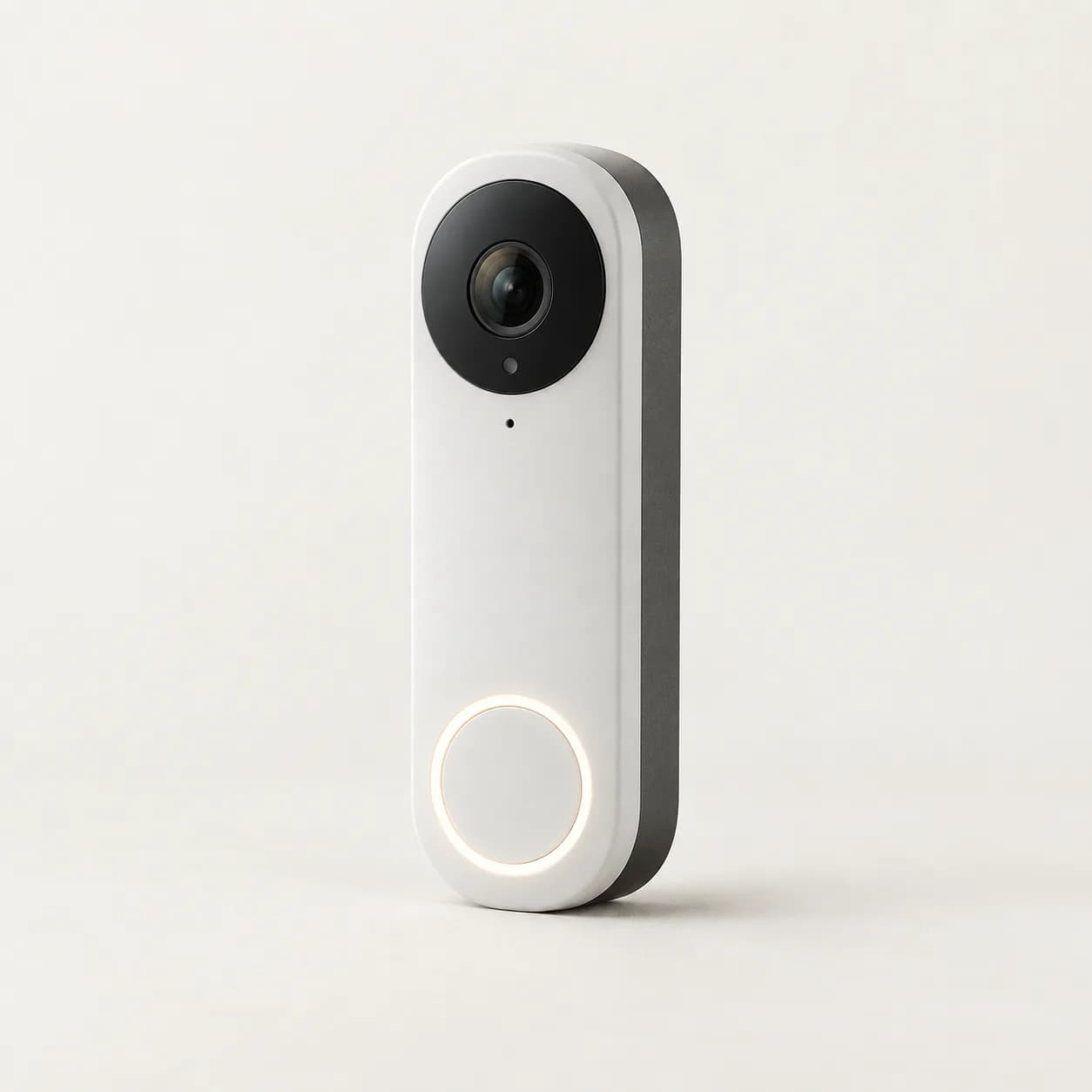
For a garden and entrance, the Halo Home C4 plus the Halo Home D2 video doorbell at the front door covers most homes. We are happy to visit and mark the mounting points with you.